
My Store
reMarkable Paper Pro — Notebook Covers, leather & vintage bundle
reMarkable Paper Pro — Notebook Covers, leather & vintage bundle
Share
Couldn't load pickup availability
⬇️ DIGITAL DOWNLOAD — Not a physical product. After purchase you will instantly receive a PDF file. Nothing is shipped. No physical item will be sent.
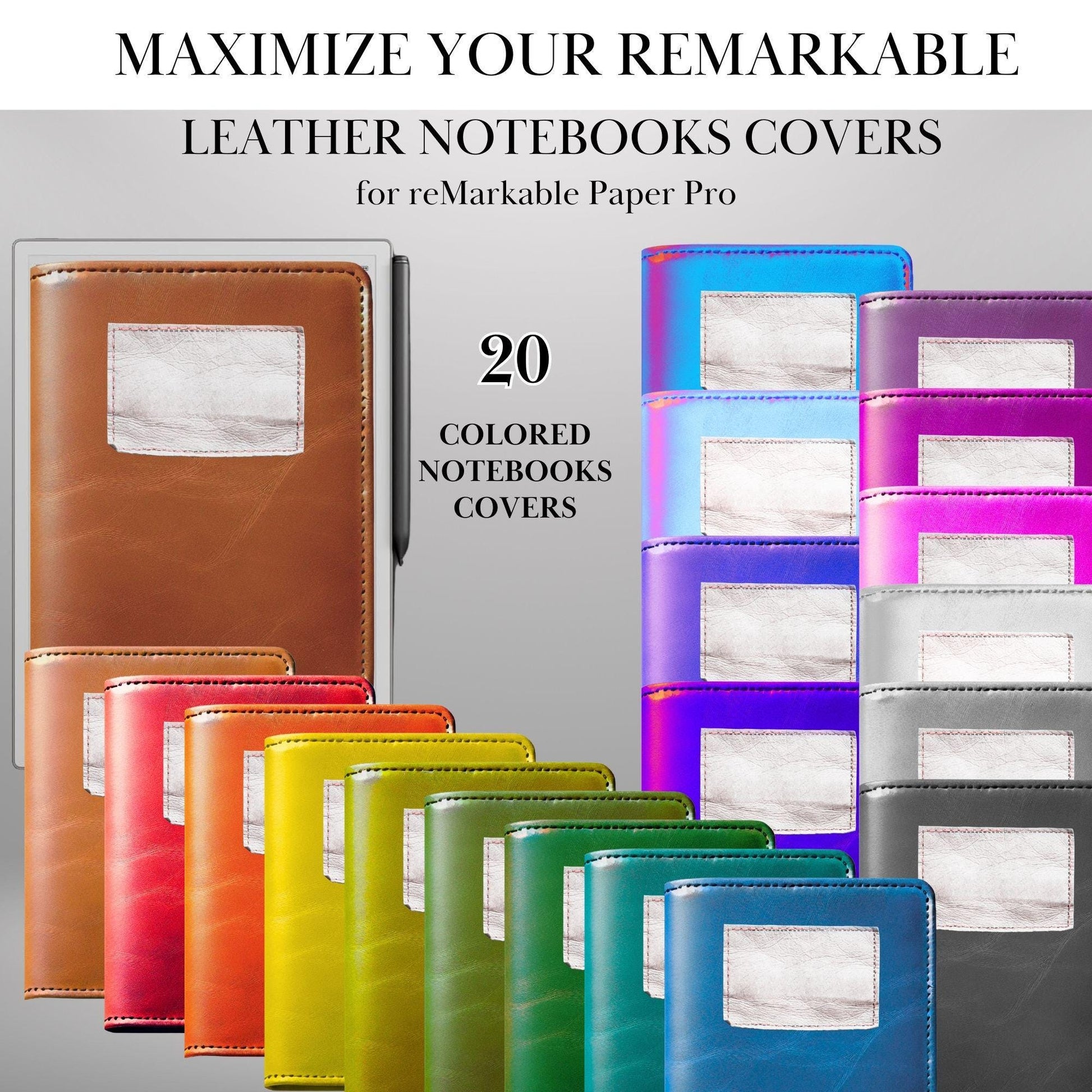
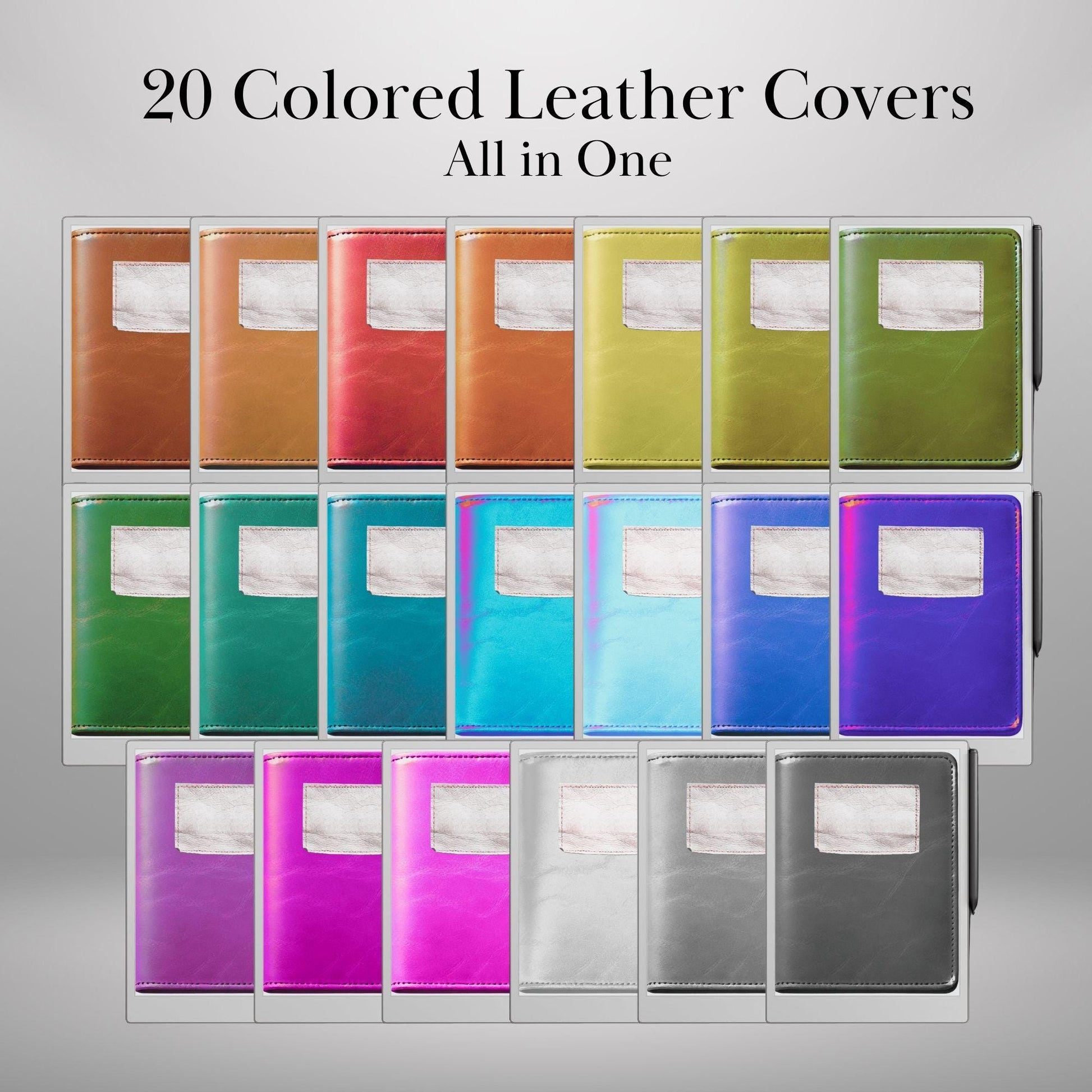
📂 DIGITAL DOWNLOAD – 20 Colores Notebook Covers for reMarkable Paper Pro
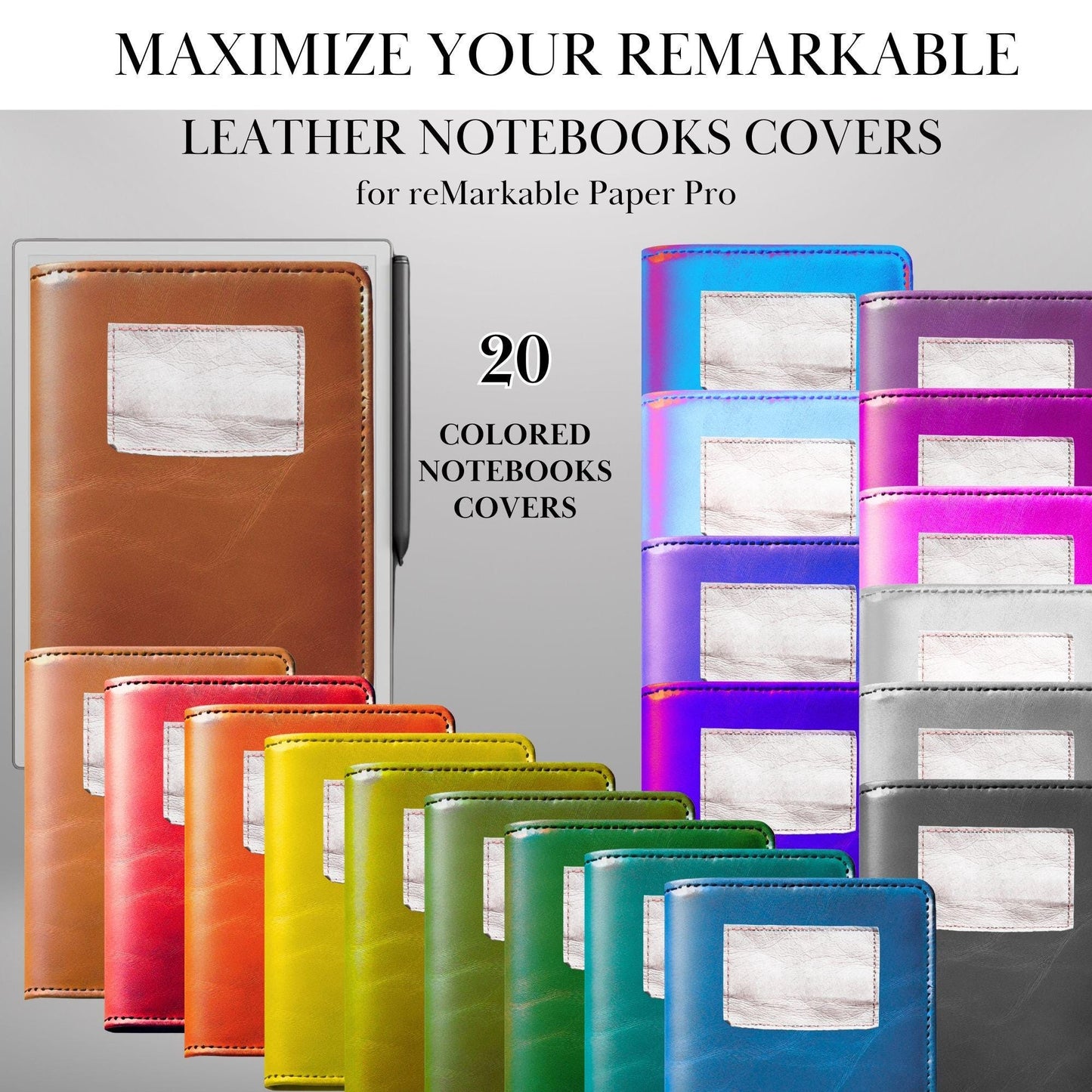
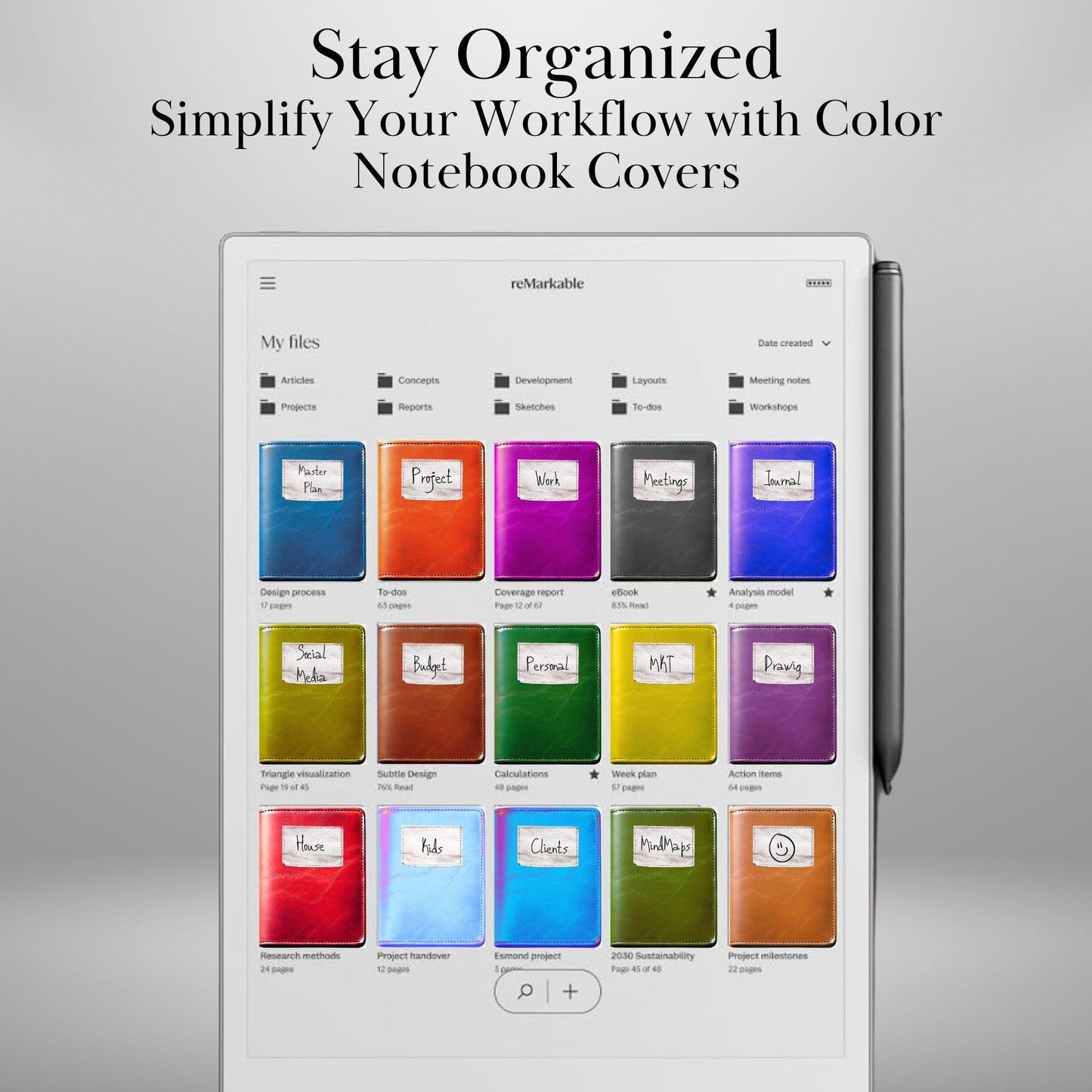
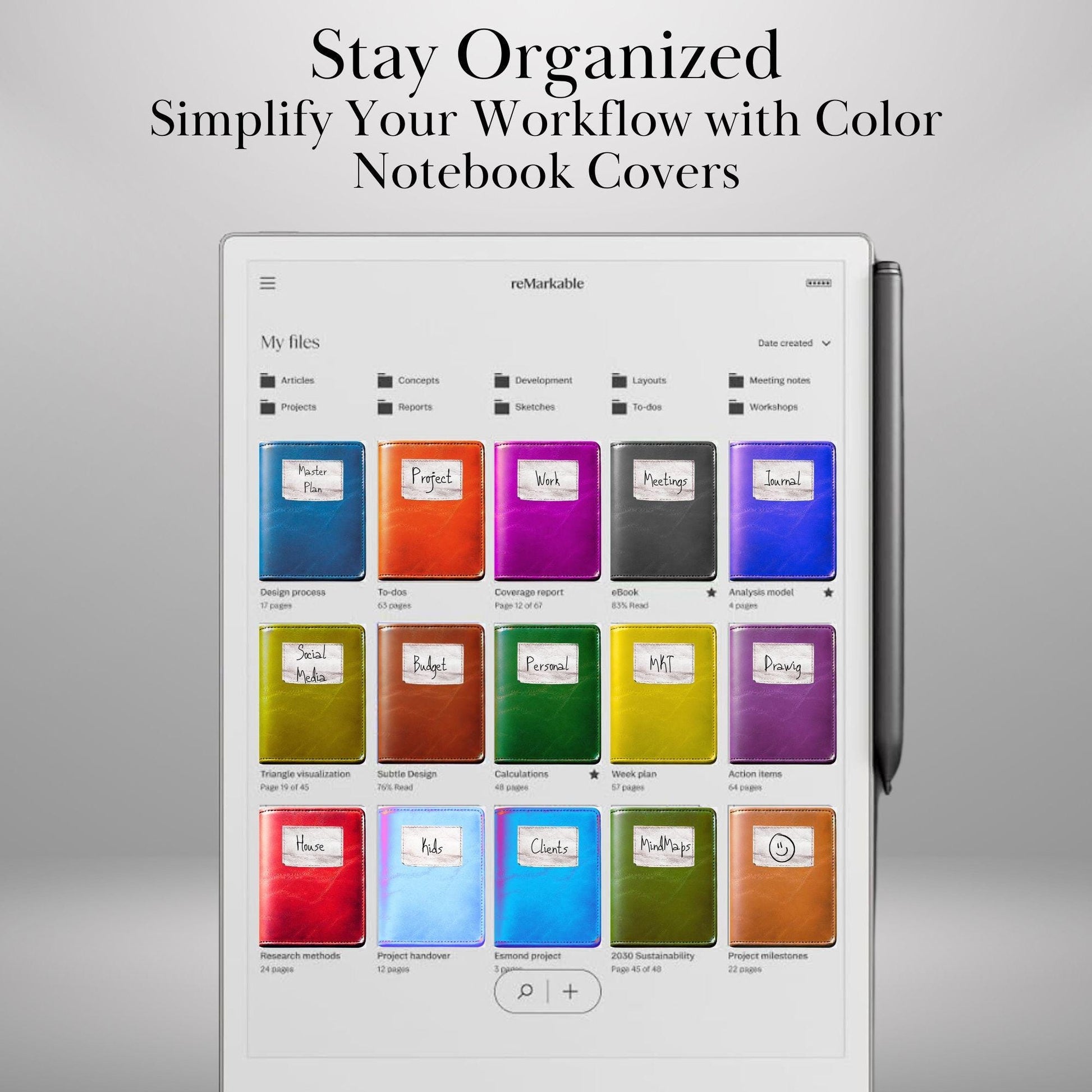
Enhance your digital note-taking experience with this collection of 20 beautifully designed Leather notebook covers, perfect for reMarkable Paper Pro. Whether you’re looking for a minimalist, professional, or aesthetic style, these covers will help personalize and organize your notebooks with ease.
✨ WHY YOU’LL LOVE THESE REMARKABLE NOTEBOOK COVERS:
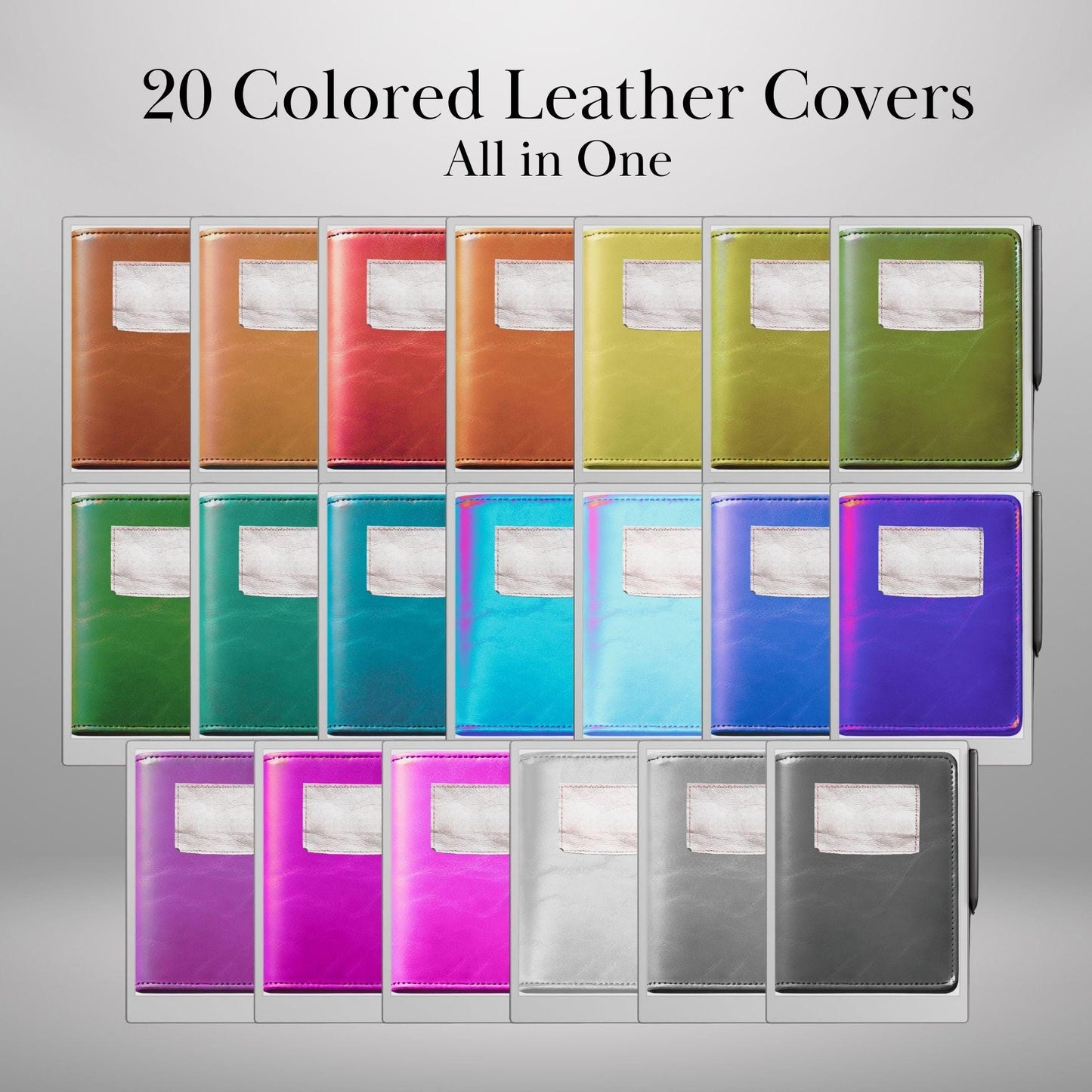
✔ 20 Unique Designs – A mix of modern, professional, and creative styles to match your needs.
✔ Easy to Apply – Simply upload and set as your notebook cover in seconds.
✔ Perfect for Work, School & Journaling – Elevate your digital notebooks with stylish covers.
✔ Minimalist & Aesthetic Designs – Designed for a clean and distraction-free look.
✔ Optimized for reMarkable 2 & Paper Pro – Works seamlessly on both devices.
📂 WHAT’S INCLUDED:
✅ 20 High-Resolution Notebook Covers (PDF Format) – Ready for use with reMarkable tablets.
🎯 PERFECT FOR:
✔ Professionals & Entrepreneurs – Keep your work notes stylish and organized.
✔ Students & Researchers – Personalize your study materials with sleek covers.
✔ Journalers & Writers – Elevate your daily journaling experience.
✔ Creative Thinkers – Add a unique touch to your digital workspace.
🖋️ HOW TO USE:
1️⃣ Download the files instantly after purchase.
2️⃣ Import to your reMarkable tablet following the simple instructions provided.
3️⃣ Set as your notebook cover and enjoy a fresh, organized look for your digital workspace!
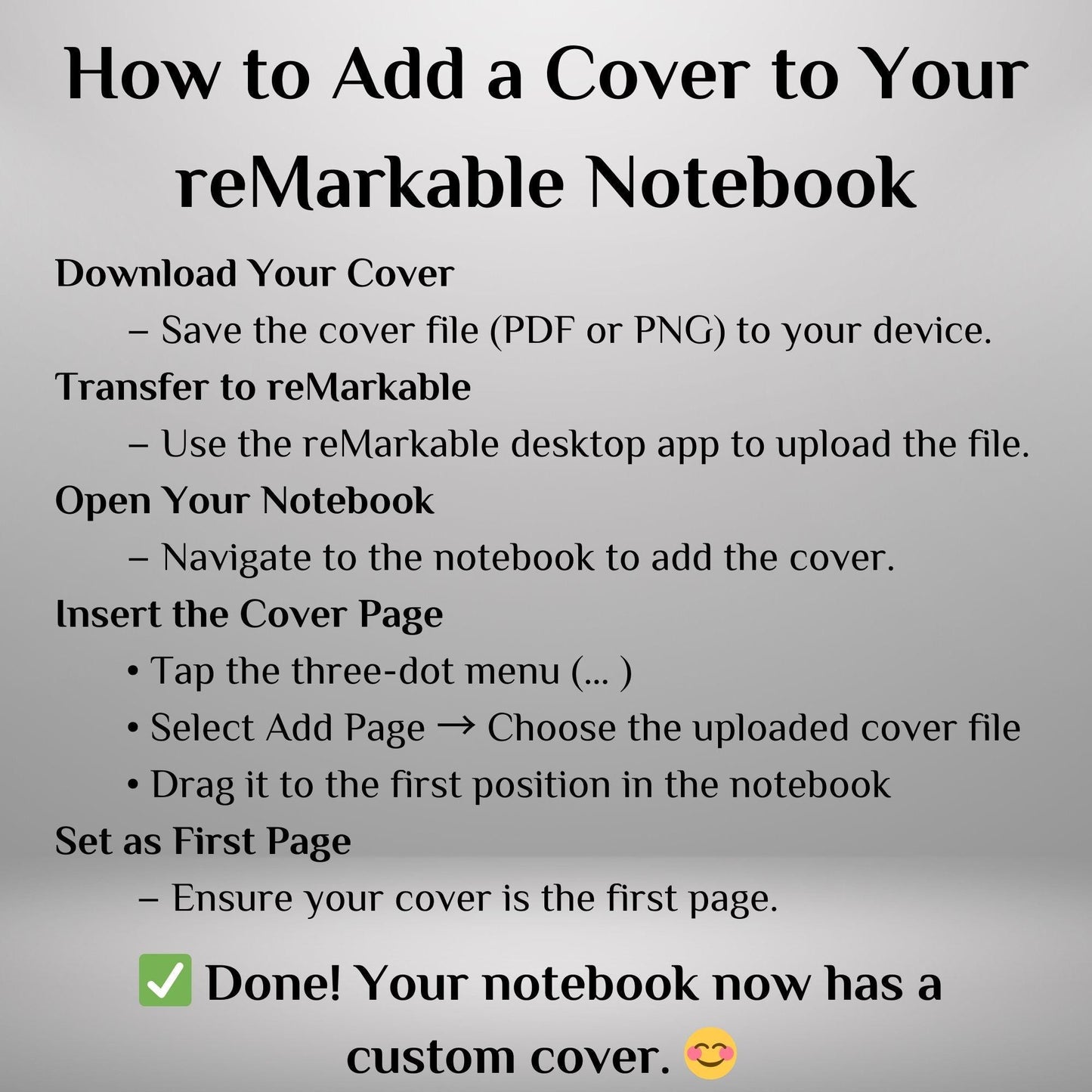
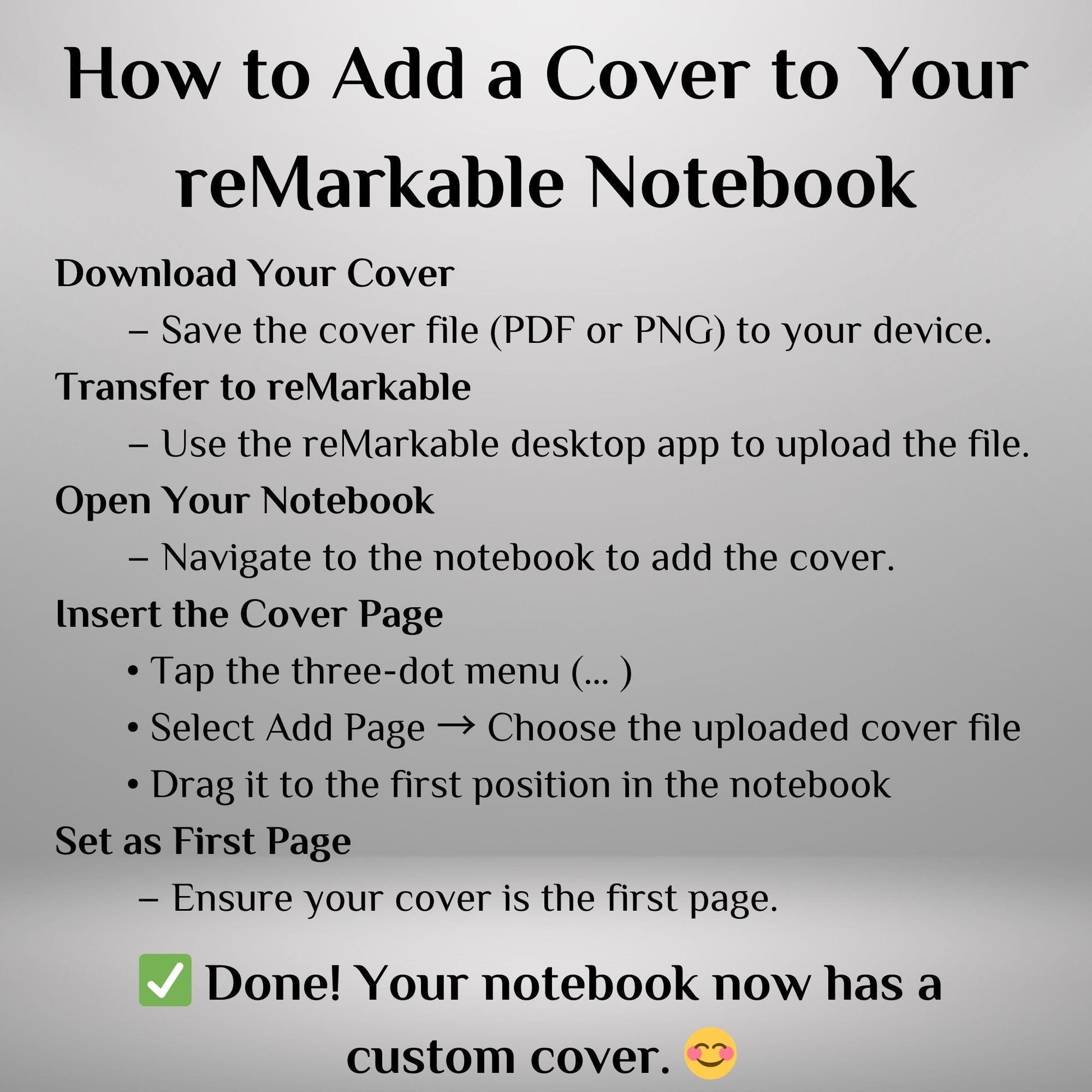
📌 HOW TO ADD a Cover to Your reMarkable Notebook
1️⃣ Download Your Cover – Save the cover file (PDF or PNG) to your device.
2️⃣ Transfer to reMarkable – Use the reMarkable desktop app or USB connection to upload the file.
3️⃣ Open Your Notebook – Navigate to the notebook where you want to add the cover.
4️⃣ Insert the Cover Page –
• Tap the three-dot menu (… )
• Select Add Page → Choose the uploaded cover file
• Drag it to the first position in the notebook
5️⃣ Set as First Page – Ensure your cover is the first page for easy access.
✅ Done! Your notebook now has a custom cover. 😊
📜 TERMS OF USE:
📌 This product is for personal use only. Redistribution, commercial use, or resale of the files is strictly prohibited.
📌 Copyright © 2025 Atelier CKIKI. All rights reserved.
✨ Upgrade your reMarkable notebooks with stylish, professional, and creative covers! Download now and personalize your digital note-taking experience. ✨