
My Store
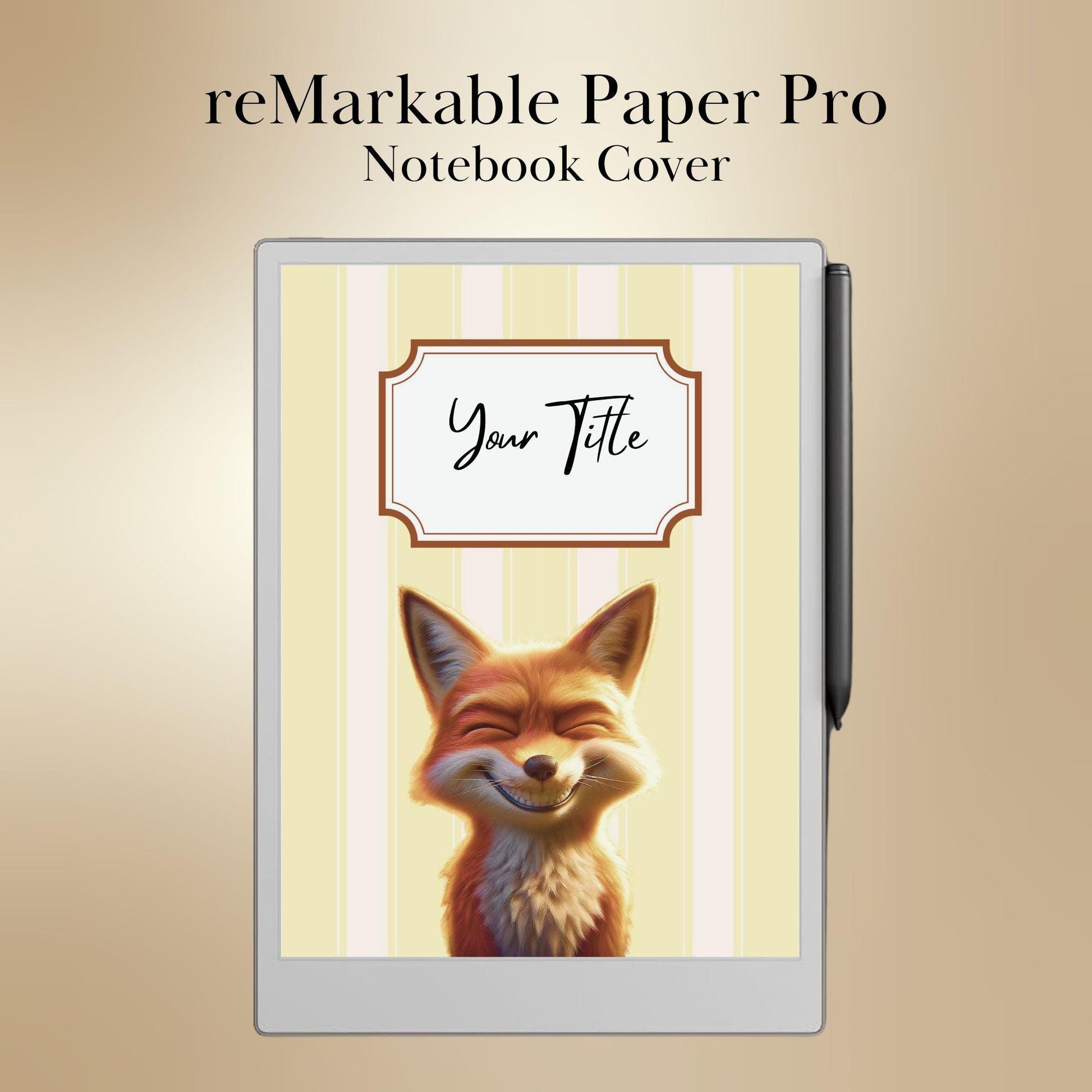
reMarkable Paper Pro — Notebook Covers, colored digital bundle
reMarkable Paper Pro — Notebook Covers, colored digital bundle
Share
Couldn't load pickup availability
⬇️ DIGITAL DOWNLOAD — Not a physical product. After purchase you will instantly receive a PDF file. Nothing is shipped. No physical item will be sent.
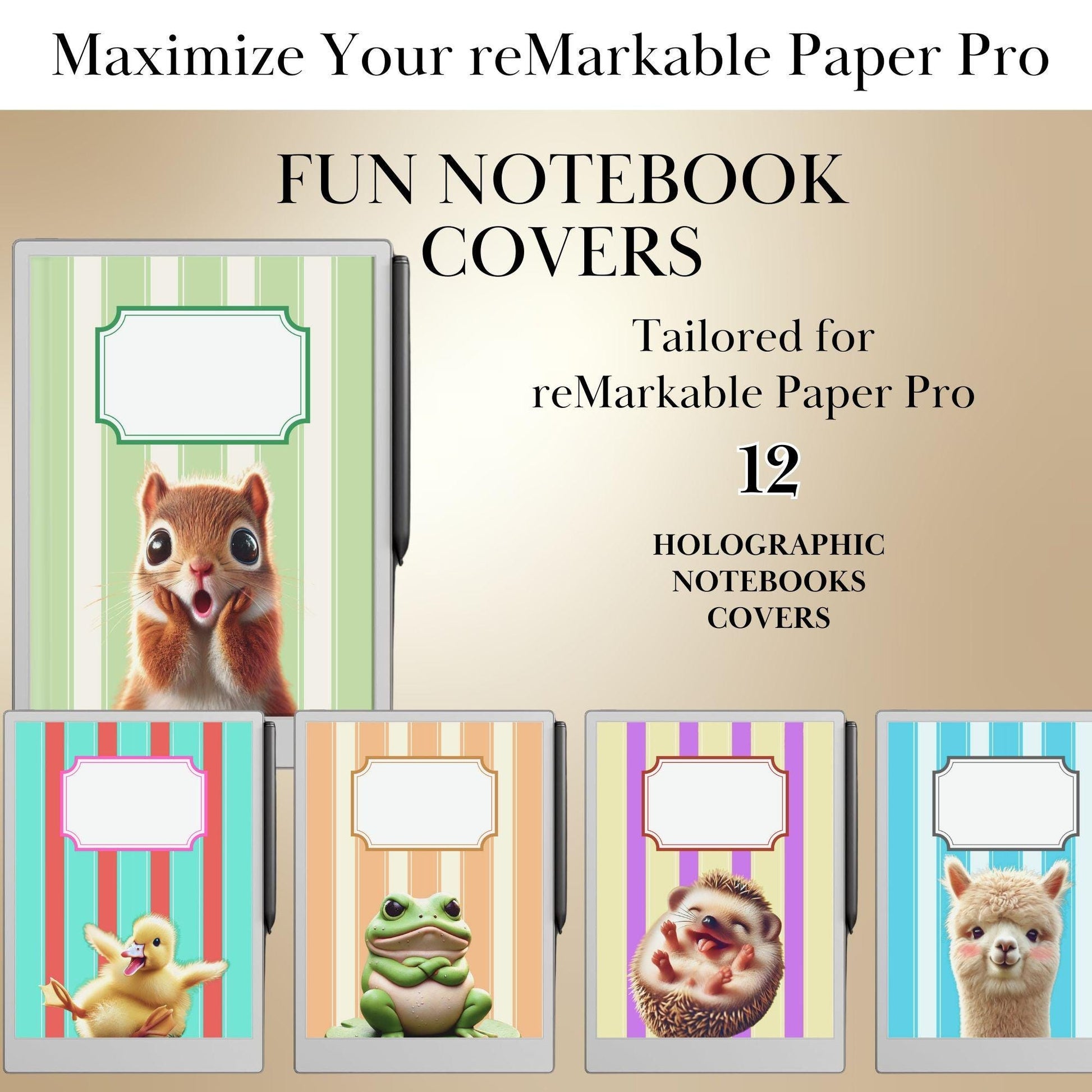
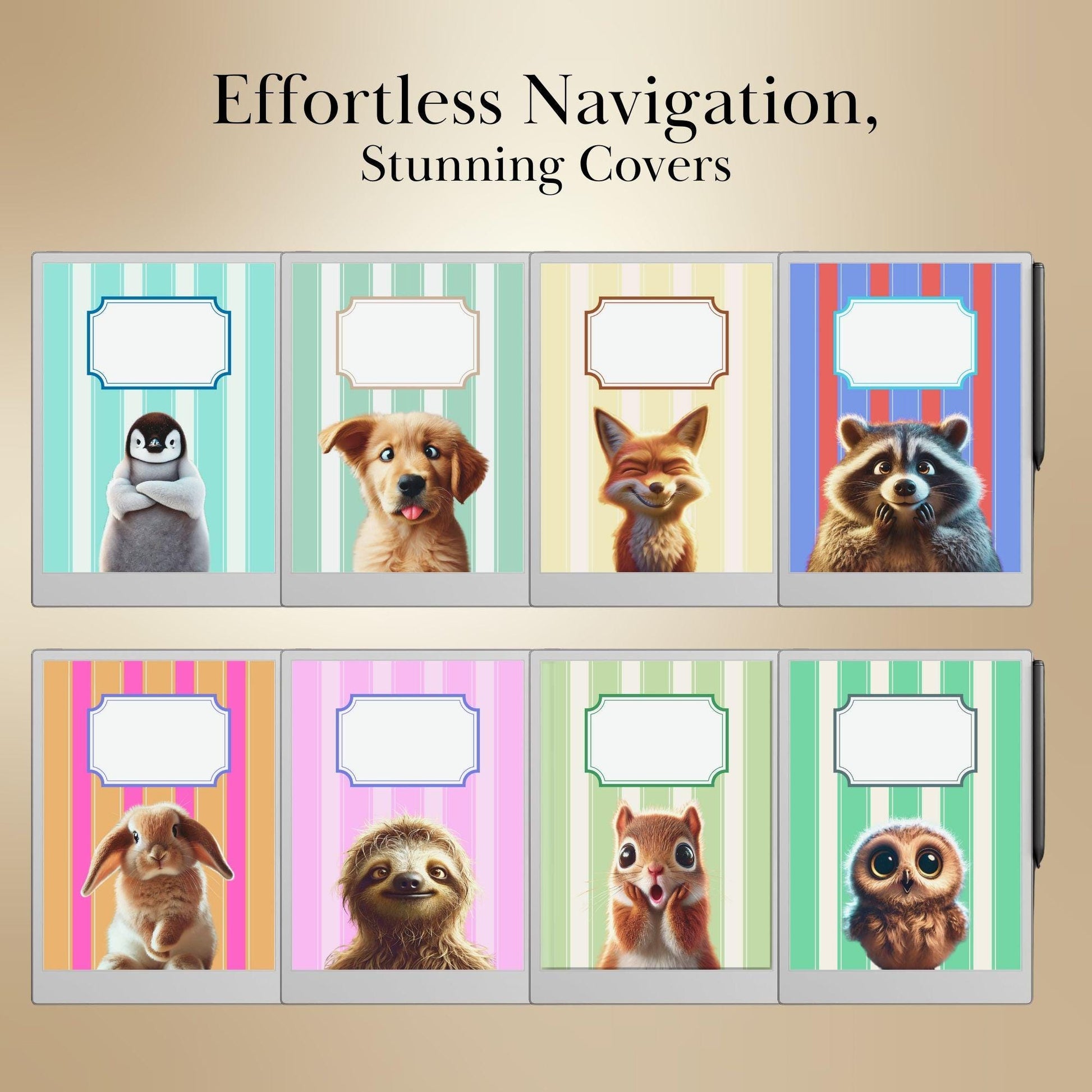
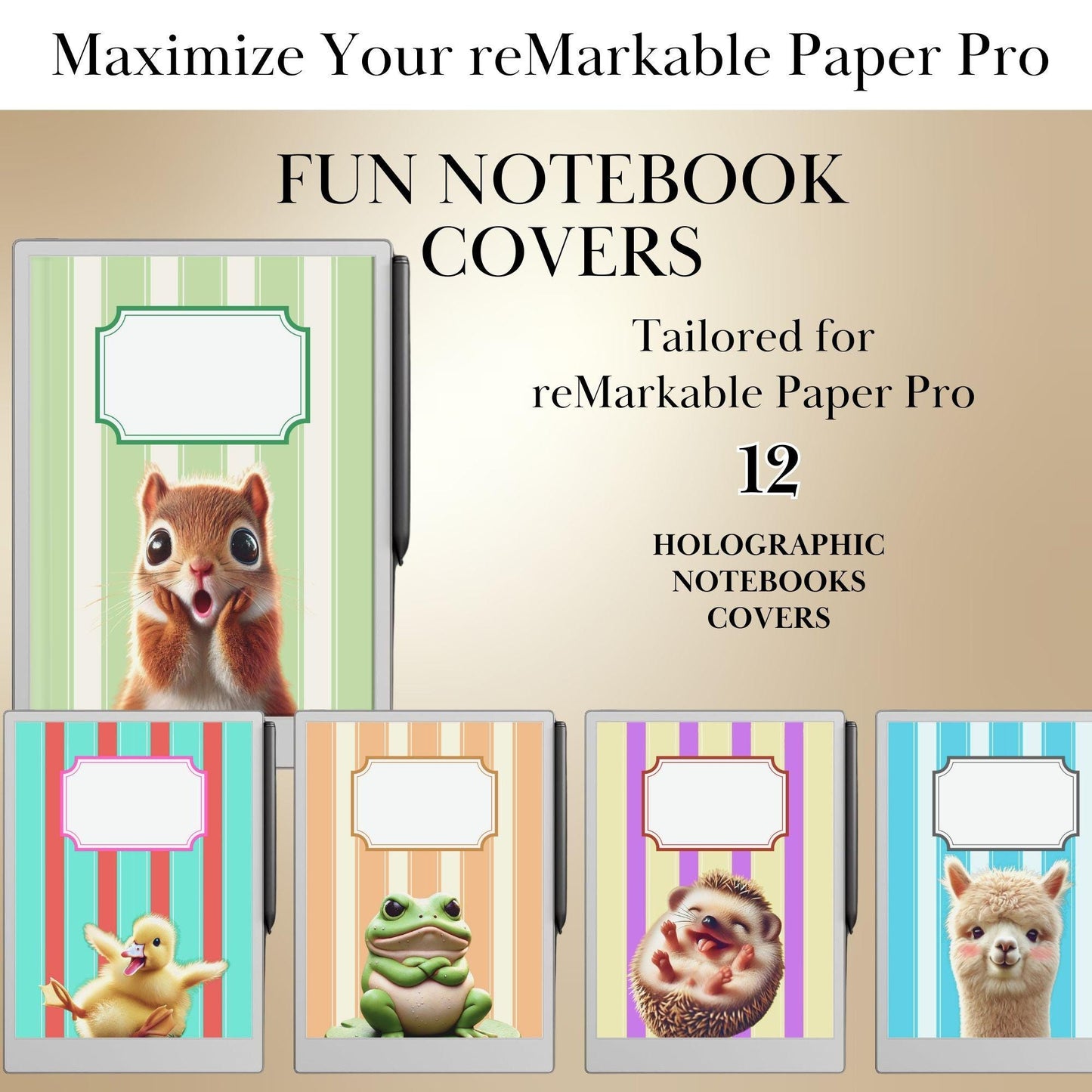
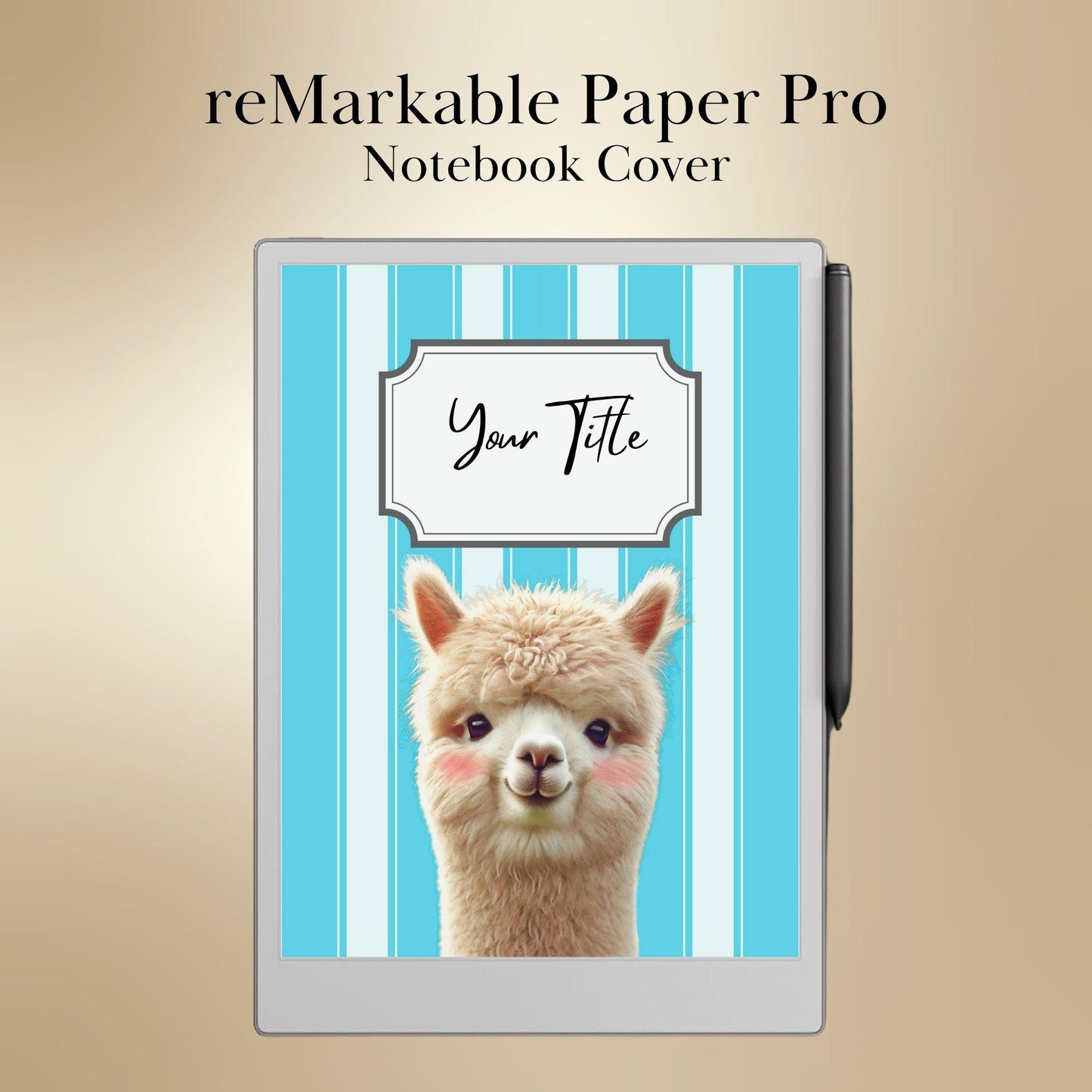
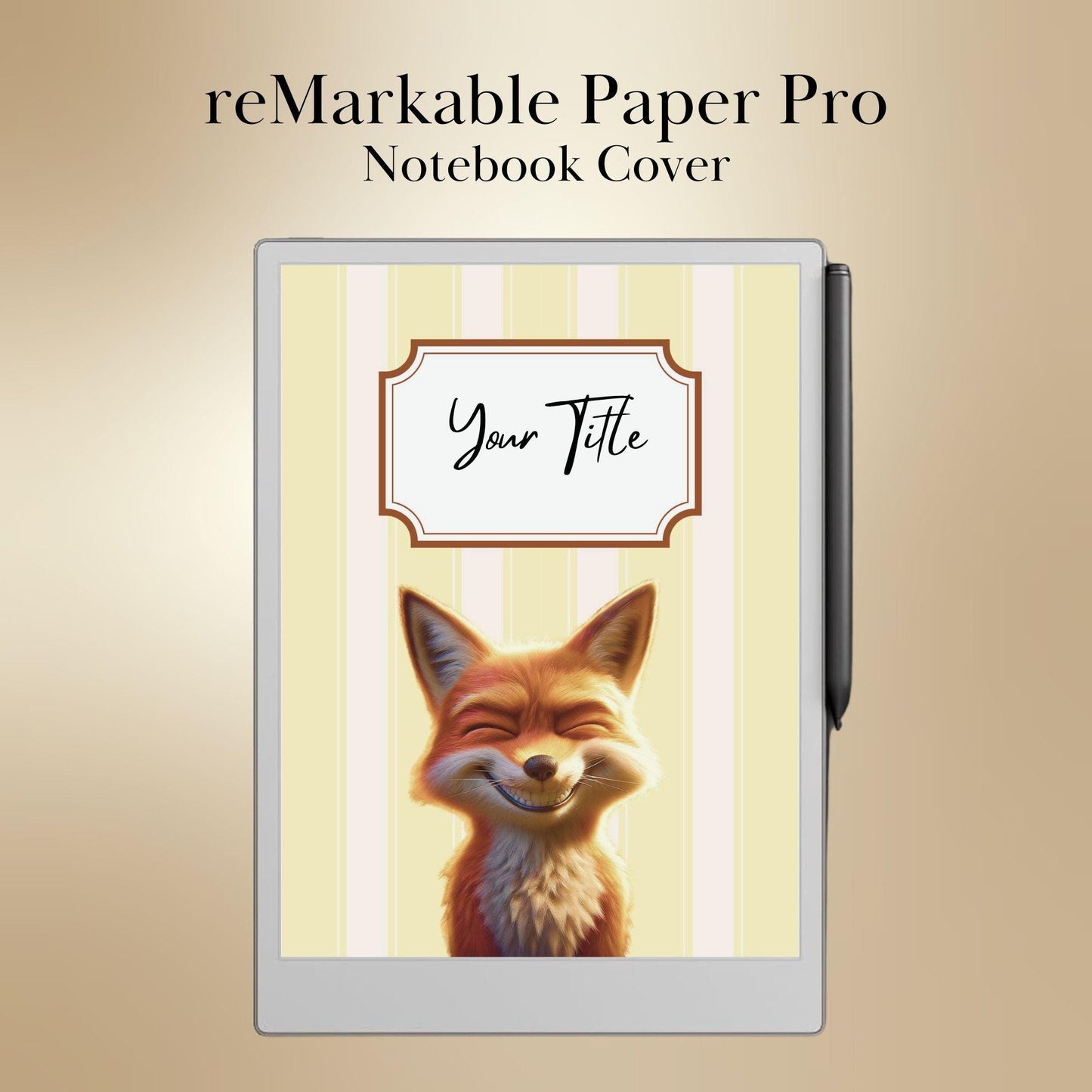
📂 DIGITAL DOWNLOAD – 12 Fun Animal Notebook Covers for reMarkable Paper Pro
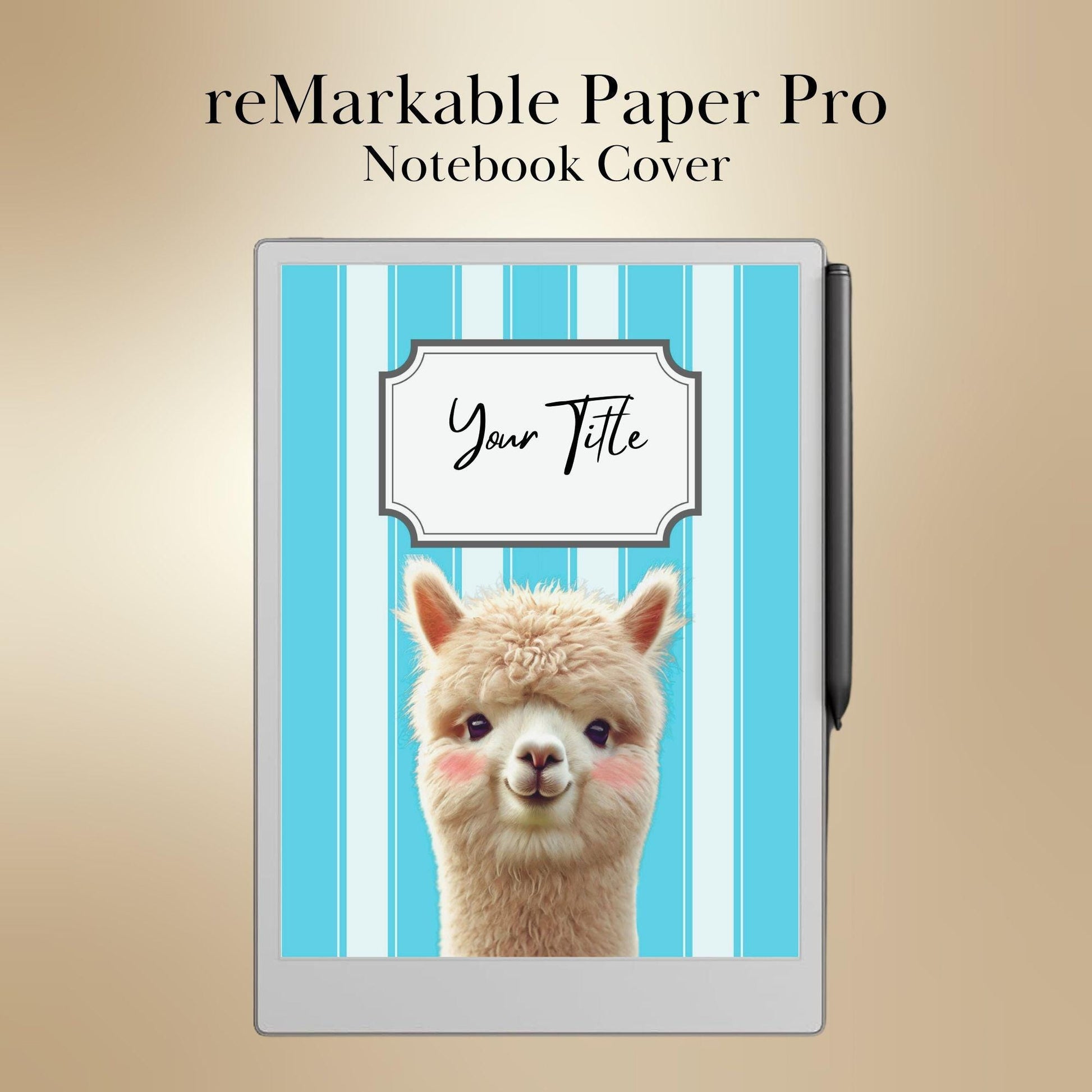
Add a playful and colorful touch to your reMarkable Paper Pro with this exclusive collection of 12 fun animal-themed notebook covers! Featuring a variety of vibrant colors and adorable animal illustrations, these high-resolution covers are perfect for students, professionals, and creatives looking to personalize their digital notebooks with a unique and cheerful style.
✨ WHY YOU’LL LOVE THESE REMARKABLE NOTEBOOK COVERS:
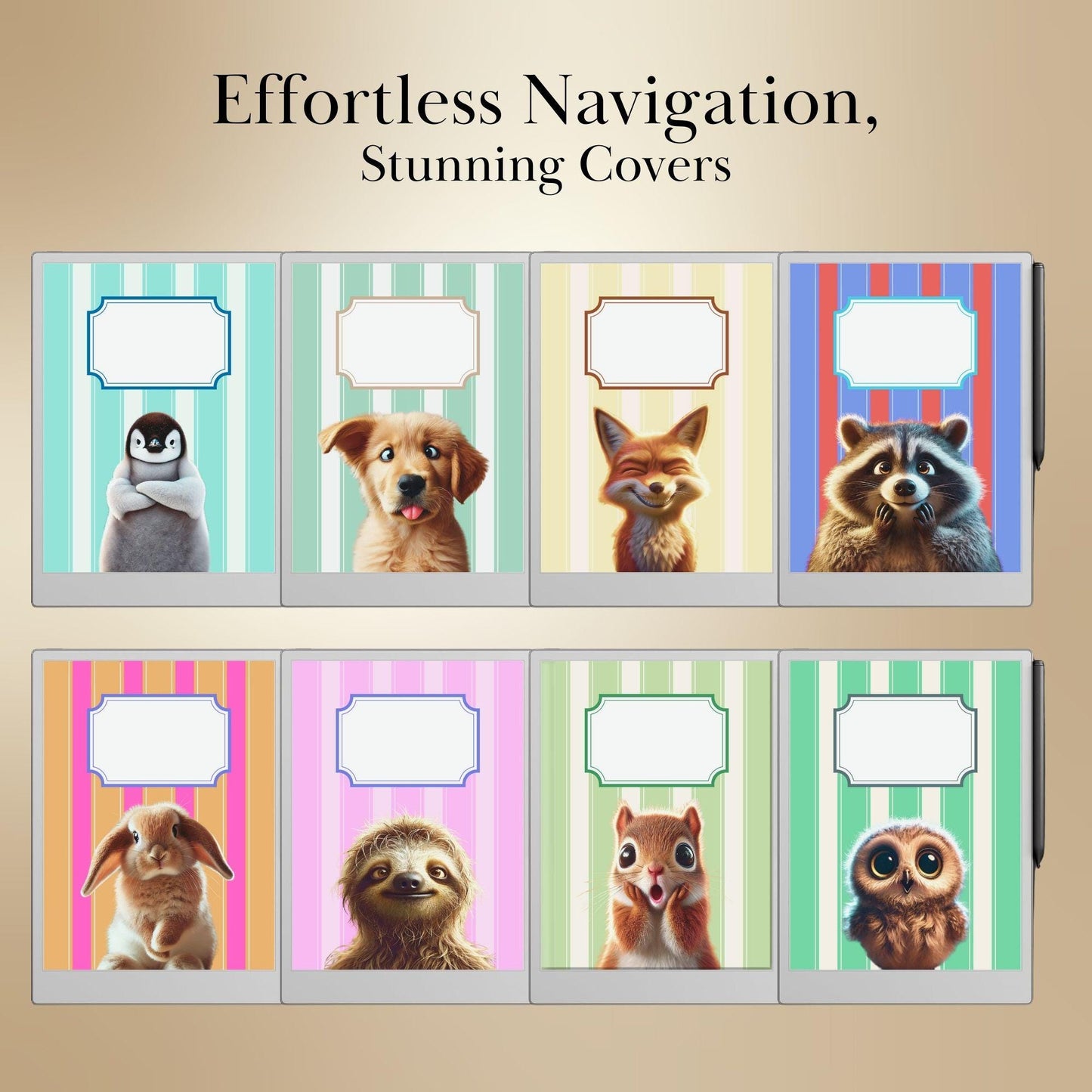
✔ 12 Unique Animal Designs – A lively mix of cute, playful, and artistic animal illustrations.
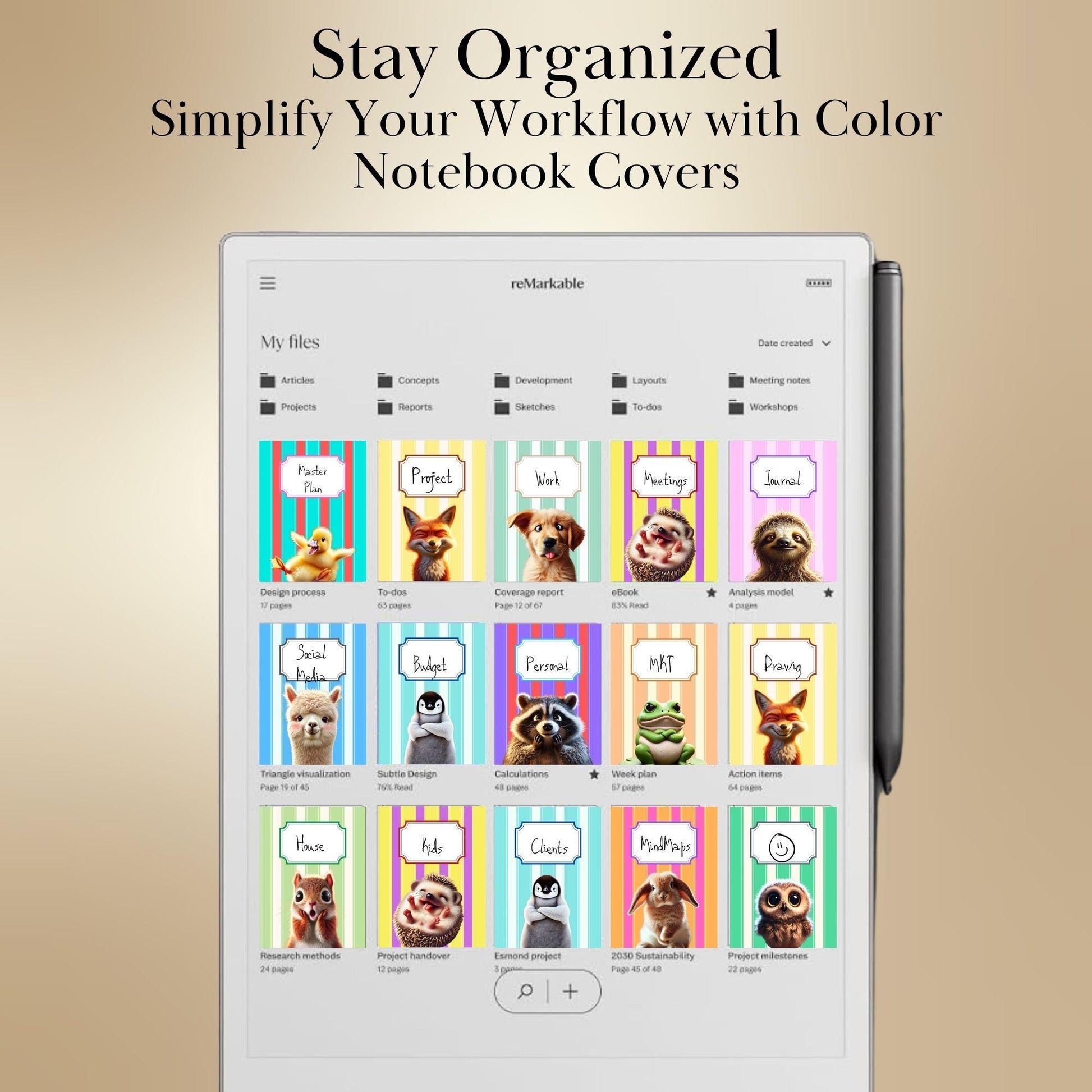
✔ Bright & Fun Colors – Each cover features a different color to help visually organize your notebooks.
✔ Easy to Apply – Simply upload and set as your notebook cover in seconds.
✔ Perfect for Work, Study & Journaling – Make your digital notebooks more engaging and fun.
✔ Optimized for reMarkable Paper Pro and remarkable 2– Works flawlessly with both models.
📂 WHAT’S INCLUDED:
✅ 12 High-Resolution Notebook Covers (PDF Format) – Ready for instant use with reMarkable tablets.
📌 Includes a variety of animal-inspired designs, such as:
✔ Cute Forest Creatures – Playful foxes, owls, and deer.
✔ Fun Jungle Animals – Cheerful tigers, monkeys, and parrots.
✔ Whimsical Farm Friends – Adorable cows, pigs, and sheep.
✔ Colorful Underwater Creatures – Dolphins, turtles, and fish.
🎯 PERFECT FOR:
✔ Students & Researchers – Personalize your study materials with fun covers.
✔ Journalers & Writers – Elevate your digital journaling experience.
✔ Professionals & Entrepreneurs – Add a cheerful touch to work notebooks.
✔ Creatives & Designers – Enjoy an artistic and playful look for your notebooks.
🖋️ HOW TO USE:
1️⃣ Download the files instantly after purchase.
2️⃣ Import to your reMarkable tablet using the desktop app or USB transfer.
3️⃣ Apply as your notebook cover to give your workspace a fresh, fun aesthetic.
📌 HOW TO ADD A CUSTOM COVER TO YOUR reMarkable NOTEBOOK:
1️⃣ Download & Save – Save the cover file (PDF format) to your device.
2️⃣ Transfer to reMarkable – Use the reMarkable desktop app or USB to upload the file.
3️⃣ Open Your Notebook – Select the notebook where you want to add the cover.
4️⃣ Insert the Cover Page –
• Tap the three-dot menu (… )
• Select Add Page → Choose the uploaded cover file
• Drag it to the first position in the notebook
5️⃣ Set as First Page – Ensure the cover is the first page for a neatly organized look.
✅ Done! Your reMarkable notebook now has a fun and colorful animal-themed cover. 😊
📜 TERMS OF USE:
📌 This product is for personal use only. Redistribution, commercial use, or resale of the files is strictly prohibited.
📌 Copyright © 2025 Atelier CKIKI. All rights reserved.
✨ Upgrade your reMarkable notebooks with these vibrant, fun animal covers! Download now and bring creativity to your digital note-taking. ✨
4.96 / 5.0
() total reviews
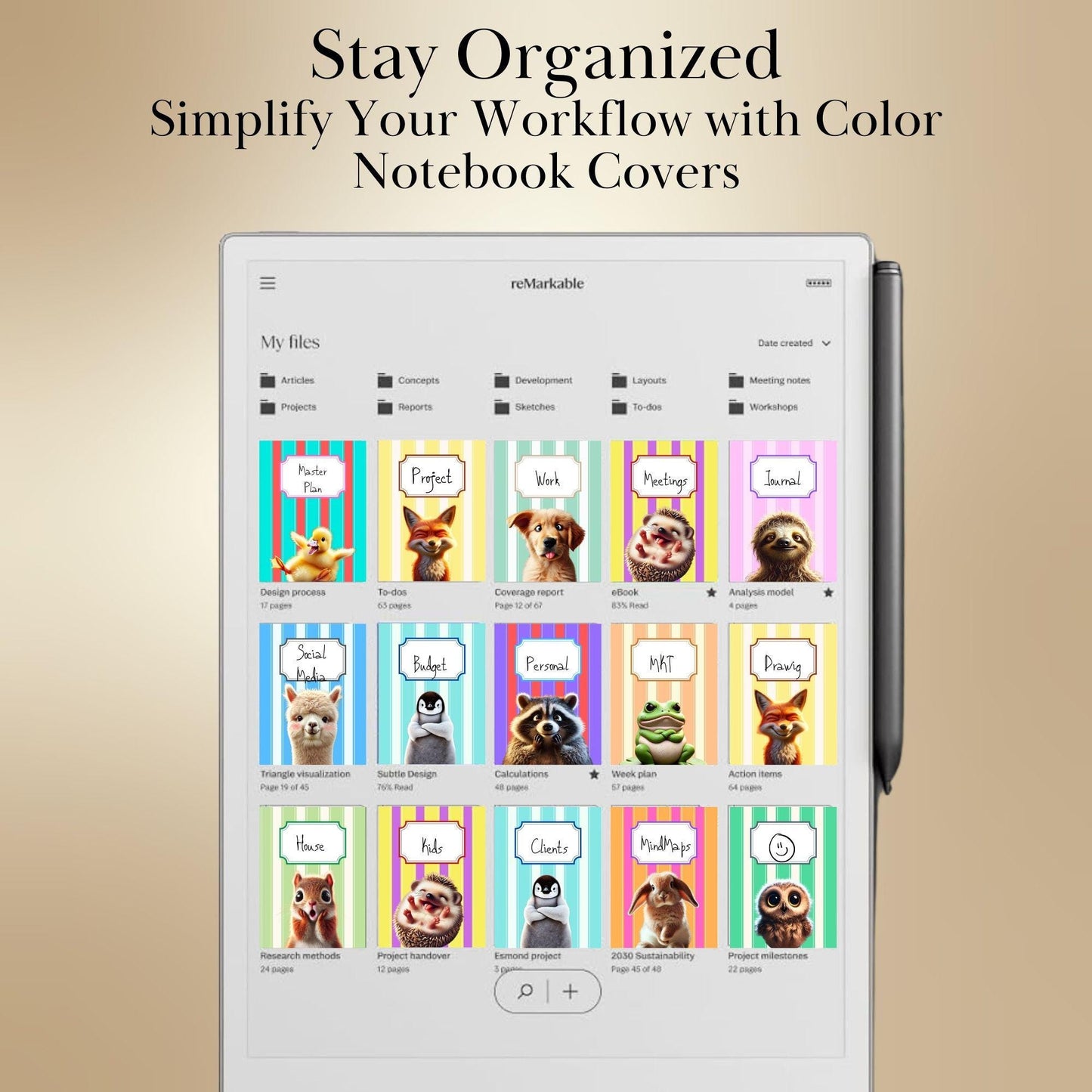
These notebook covers are prefect. I have always used the Composition Books and had different colors for different subjects. Now I can have the same but for my Remarkable Paper Pro.
really love this great for writing ideas down you can find easly
Great Hyperlinked Blank Notebook which gives me the ability to create subjects without any constraints. The color is vibrant on the reMarkable Pro. Glad I stumbled on this.
Love this item. Works great
It's pretty and does everything I need it to do, well made and super functional.
These notebook covers are prefect. I have always used the Composition Books and had different colors for different subjects. Now I can have the same but for my Remarkable Paper Pro.
really love this great for writing ideas down you can find easly
Great Hyperlinked Blank Notebook which gives me the ability to create subjects without any constraints. The color is vibrant on the reMarkable Pro. Glad I stumbled on this.
Love this item. Works great
It's pretty and does everything I need it to do, well made and super functional.